
Ruby on Rails
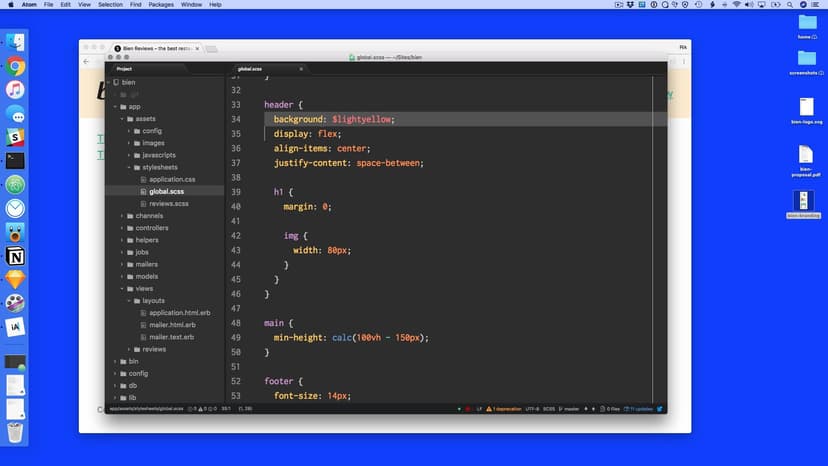
New to back-end coding? Use Ruby on Rails to build custom web applications from scratch.

Taught by
Rik Lomas



Get access to Ruby on Rails
- Practical, go-at-your-own pace learning, with help from our industry experts and experienced teachers
- Projects and code that you can alter and include in your own sites and portfolio
- Resources to get you started and going post-course
Your instructor

Rik Lomas
Course structure

Lesson 01
Welcome + intro to Ruby on Rails
Lesson 02
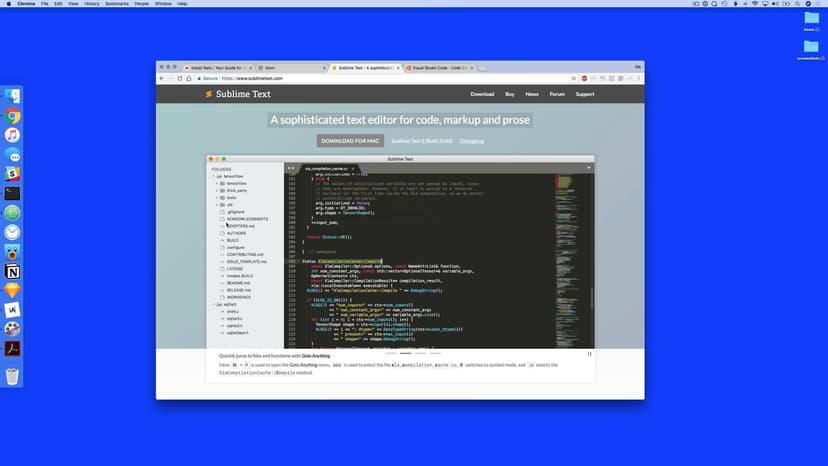
Picking a code editor
Lesson 03
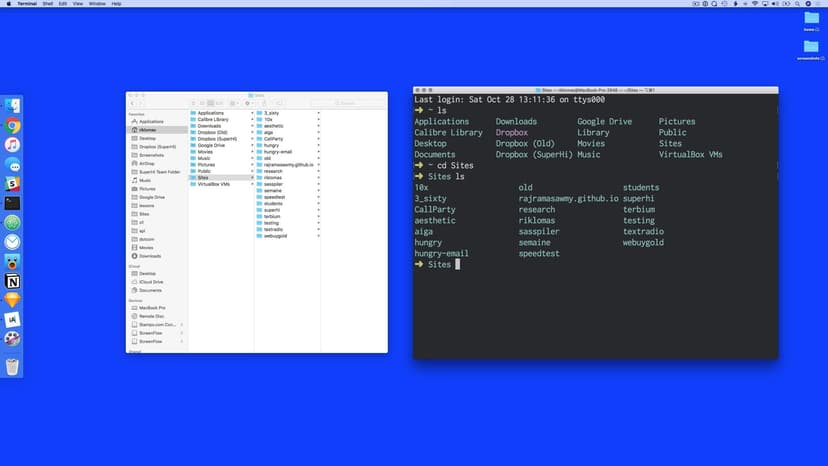
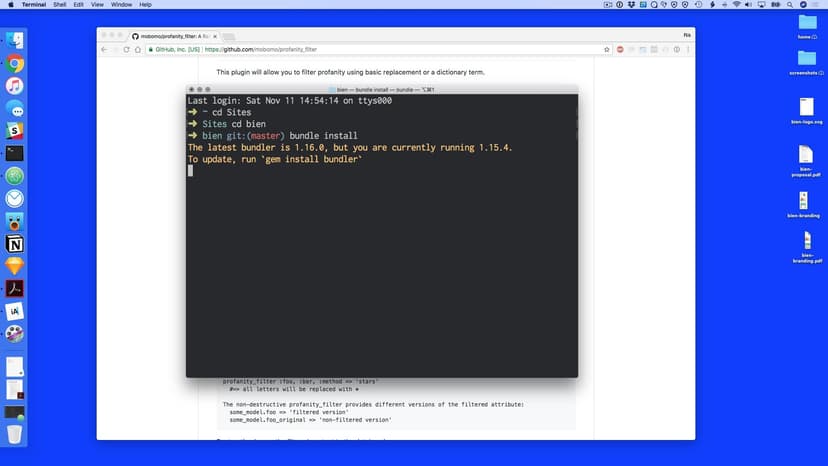
Introducing the command line
Lesson 04
Creating our first project
Lesson 05
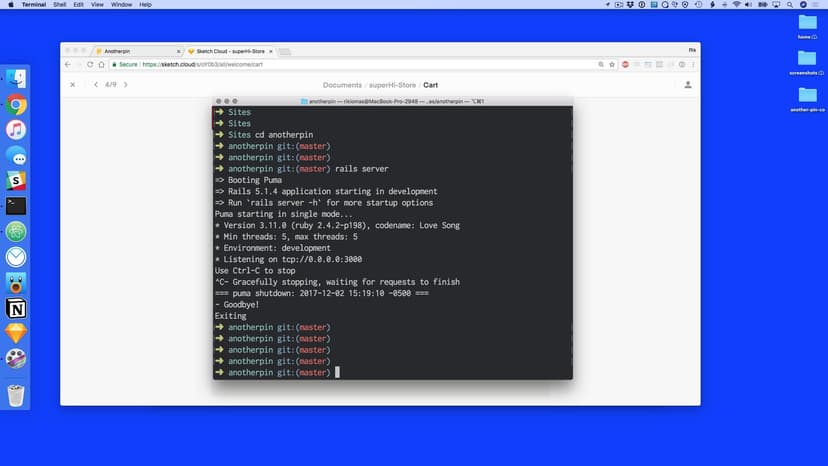
The Rails server
Lesson 06
Thinking about features as code
Lesson 07
Thinking about MVC
Lesson 08
Generating a controller
Lesson 09
Adding our first routes
Lesson 10
Setting up our first page
Lesson 11
Adding variables to views
Lesson 12
Looping in views
Lesson 13
The application HTML
Lesson 14
The link-to helper
Lesson 15
The M in MVC
Lesson 16
Generating a model
Lesson 17
Adding a form
Lesson 18
Creating and saving a model
Lesson 19
Adding a show page
Lesson 20
The simple format helper
Lesson 21
Deleting reviews
Lesson 22
Editing reviews
Lesson 23
Cleaning our code
Lesson 24
Images and stylesheets
Lesson 25
Git and Github
Lesson 26
End of week

Homework 01
Exploring Sass
Lesson 01
Intro to week 2
Lesson 02
Adding a Sass design
Lesson 03
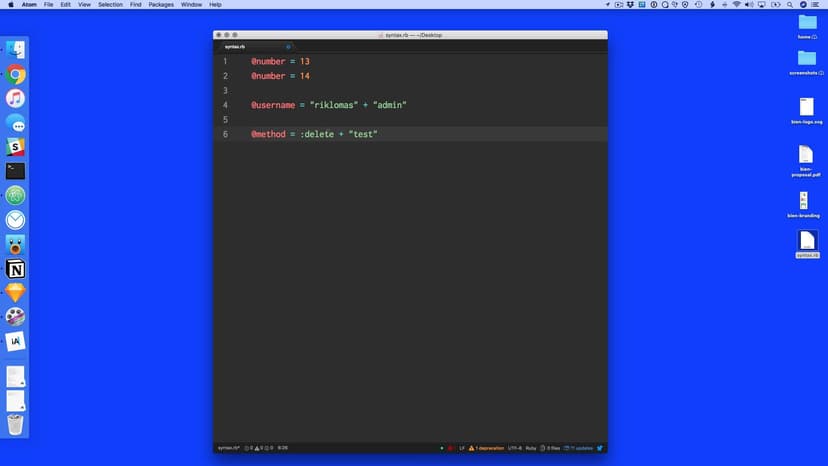
Ruby syntax
Lesson 04
Checking data with model validations
Lesson 05
Starting our project again
Lesson 06
Fixing controllers for validations
Lesson 07
Adding errors to our views
Lesson 08
Pushing code to Github with Git
Lesson 09
Using to_param to make SEO-friendly URLs
Lesson 10
Adding page titles with content_for
Lesson 11
Uncovering fields in the database
Lesson 12
Adding new database fields with migrations
Lesson 13
Filtering our params
Lesson 14
Filtering with our reviews controller
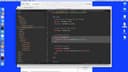
Lesson 15
Adding multiple filters in one controller action
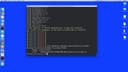
Lesson 16
Adding geolocation using the geocoder gem
Lesson 17
Filtering by location
Lesson 18
Adding a search location form
Lesson 19
Making our forms simple using simple_form
Lesson 20
Highlighting our links with active_link_to
Lesson 21
Introducing comments
Lesson 22
What is one-to-many?
Lesson 23
Adding the Comment model
Lesson 24
Creating a comments controller
Lesson 25
Letting our users comment on reviews
Lesson 26
Using the pluralize helper
Lesson 27
Deploying our site using Heroku
Lesson 28
Homework: profanity filter

Homework 01
Profanity filter
Lesson 01
Introduction to week 3
Lesson 02
Last week's homework
Lesson 03
User system gems
Lesson 04
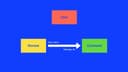
User associations
Lesson 05
What's in our models?
Lesson 06
The User model
Lesson 07
Adding our users controller
Lesson 08
Adding the signup form
Lesson 09
Adding the password fields
Lesson 10
Creating users
Lesson 11
Listing all users
Lesson 12
Introducing sessions
Lesson 13
params vs sessions
Lesson 14
The sessions controller
Lesson 15
The login form
Lesson 16
The login action
Lesson 17
Adding a session on login
Lesson 18
Adding a session on signup
Lesson 19
Adding sign up and log in links
Lesson 20
Singular resources and log out
Lesson 21
The application controller
Lesson 22
Checking for login
Lesson 23
Cleaning up our code
Lesson 24
Updating our previous models
Lesson 25
Adding users to controllers
Lesson 26
Creating a user profile page
Lesson 27
Removing actions
Lesson 28
Authorizing controlller actions
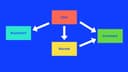
Lesson 29
Introducing bookmarks
Lesson 30
The bookmark model
Lesson 31
Creating bookmarks
Lesson 32
Un-bookmarking
Lesson 33
Listing all bookmarks
Lesson 34
Updating Heroku
Lesson 35
Homework

Homework 01
Craigslist
Lesson 01
Welcome
Lesson 02
Editing within an hour only
Lesson 03
File uploading with Carrierwave
Lesson 04
Image Resizing
Lesson 05
Adding default images
Lesson 06
Hosting images on Amazon Web Services
Lesson 07
Adding an admin flag to our users
Lesson 08
Adding admin features site-wide
Lesson 09
Introducing Active Admin
Lesson 10
Active Admin resources
Lesson 11
Active Admin with our user system
Lesson 12
Content pages
Lesson 13
Images added to content pages
Lesson 14
Adding a new homepage
Lesson 15
Homepage with reviews
Lesson 16
Updating Heroku
Lesson 17
Adding a domain to our site
Lesson 18
Adding SSL certificates to our site
Lesson 19
Technical project management and working with clients
Lesson 20
Homework

Homework 01
Avatars

Lesson 01
Welcome to week 5
Lesson 02
Bien accounts controller
Lesson 03
The flash message
Lesson 04
The end of Bien
Lesson 05
Welcome to Another Pin Co
Lesson 06
Turning designs to code
Lesson 07
Setting up our Rails project
Lesson 08
Setting up our gems
Lesson 09
The Product model
Lesson 10
Product validations
Lesson 11
Customizing Active Admin
Lesson 12
Customizing the index view in Active Admin
Lesson 13
Products controller
Lesson 14
Products show
Lesson 15
The home and info pages
Lesson 16
Application styles
Lesson 17
Cleaning up by rendering partials
Lesson 18
Order and OrderItem models
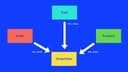
Lesson 19
Cart model setup
Lesson 20
Adding a Cart model
Lesson 21
Setting up a cart with application controller
Lesson 22
Cart in application view
Lesson 23
The Add To Cart form
Lesson 24
Add a cart controller
Lesson 25
Adding a flash message
Lesson 26
Updating quantity
Lesson 27
The cart count
Lesson 28
The show cart page
Lesson 29
Homework

Homework 01
Finish off the cart
Lesson 01
Welcome to Week 6
Lesson 02
Setting up orders
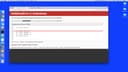
Lesson 03
Setting up the order form
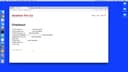
Lesson 04
New orders
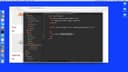
Lesson 05
Adding in price formatting
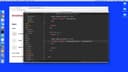
Lesson 06
Cart price
Lesson 07
Moving the cart items into the order
Lesson 08
Resetting the cart
Lesson 09
Admin orders
Lesson 10
Introducing Stripe and Rails secrets
Lesson 11
The Stripe API key
Lesson 12
Stripe's front end code
Lesson 13
Stripe's back end code
Lesson 14
Handling Stripe's back end errors
Lesson 15
Stripe tweaks
Lesson 16
Introducing mailers
Lesson 17
Sending emails with Sendgrid
Lesson 18
Setting up shop on Heroku
Lesson 19
Homework

Homework 01
Play with Stripe's Elements


Lesson 01
Intro to Week 7
Lesson 02
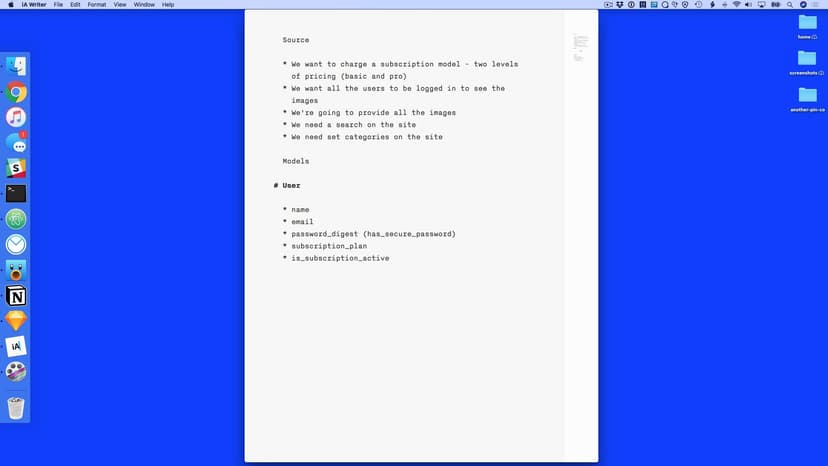
Making our brief
Lesson 03
What are our models
Lesson 04
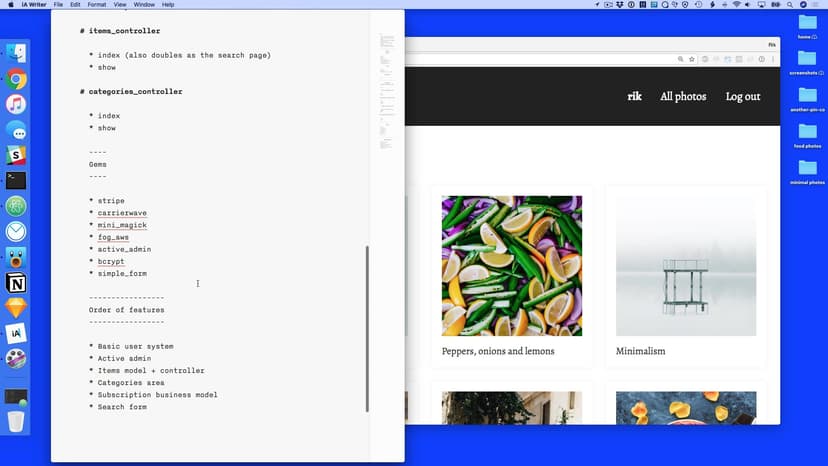
Controllers and gems
Lesson 05
The order of play
Lesson 06
Project setup
Lesson 07
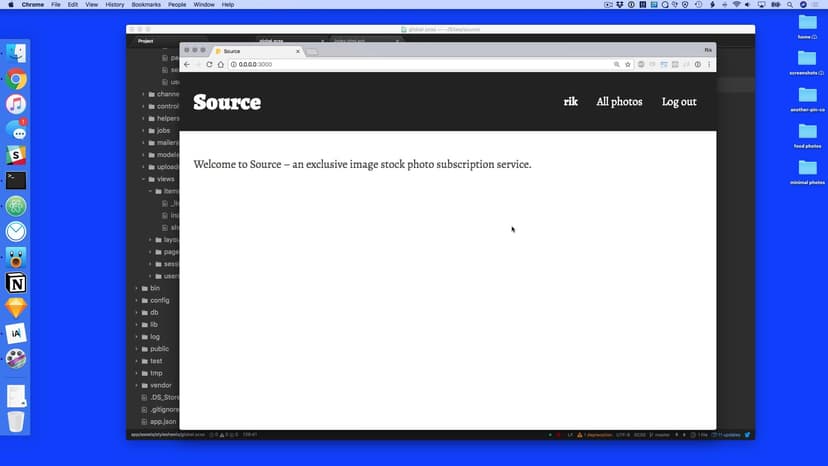
Setting up the homepage and signup
Lesson 08
The signup sessions
Lesson 09
Adding logged in to views
Lesson 10
Log out and log in
Lesson 11
The log in action
Lesson 12
Git branching and checkout
Lesson 13
Adding Active Admin
Lesson 14
Git push, branch and pull requests
Lesson 15
Setting up items
Lesson 16
Adding AWS secrets
Lesson 17
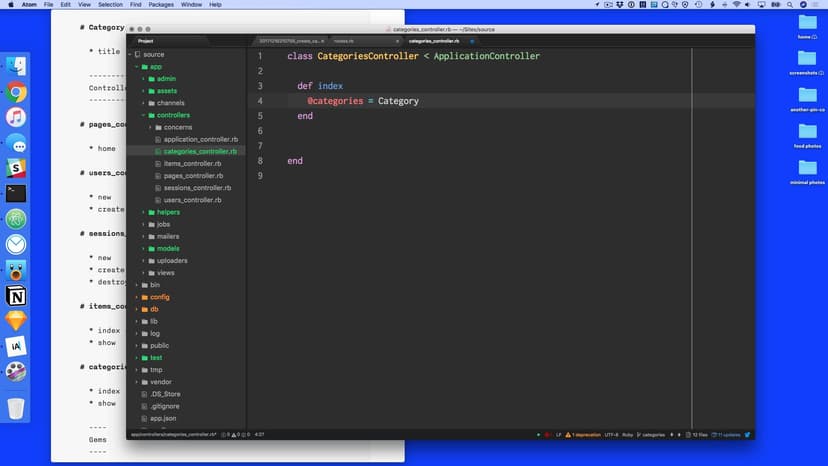
The items controller
Lesson 18
The show page
Lesson 19
Forcing login
Lesson 20
Git branching part two
Lesson 21
Heroku Pipelines
Lesson 22
Heroku app.json
Lesson 23
Styles and homework

Homework 01
Adding some branding
Lesson 01
Welcome to Week 8
Lesson 02
Redirect away from home page
Lesson 03
Setting up categories
Lesson 04
Has Many Through
Lesson 05
Active Admin Has Many

Lesson 06
Has Many Through Views
Lesson 07
Making our own helpers
Lesson 08
Heroku Pipelines Review Apps
Lesson 09
Search form
Lesson 10
Stripe features
Lesson 11
Stripe subscription setup
Lesson 12
Subscription model
Lesson 13
Stripe front end
Lesson 14
Stripe back end
Lesson 15
Catching Stripe errors
Lesson 16
Holding our subscription id
Lesson 17
Edit account
Lesson 18
Update subscription
Lesson 19
Delete account
Lesson 20
Pull requests
Lesson 21
Model and fixture testing
Lesson 22
System tets
Lesson 23
Thank you!
SuperHi students work at the best
Our students are based all over the world and work at creative companies large and small. Why not check out some of their work?
View student workFeeling stuck?
Don’t worry, we are here to help you with:
- Speedy help from one of our team members
- Detailed, relevant solutions
- Direct access to peer support through Discord!
Remember, there’s no such thing as a silly question, so don’t hesitate to reach out, we love hearing from you!